![FMN_logo_2024.png]](https://support.forgetmenot.chat/hs-fs/hubfs/FMN_logo_2024.png?height=40&name=FMN_logo_2024.png)
To create a custom graphic image for use in a Question Set the following tools can be used:
- Microsoft PowerPoint
- Google Slides
Steps to Create a custom Graphic
- Open the preferred application.
- Set the page size to widescreen format (to get 1920 x 1080 sized images set page to W50.5cm x H28.575cm).
- Create the content using the inbuilt objects and text tools to produce the desired graphic.
- Export the image as a PNG or JPG file.
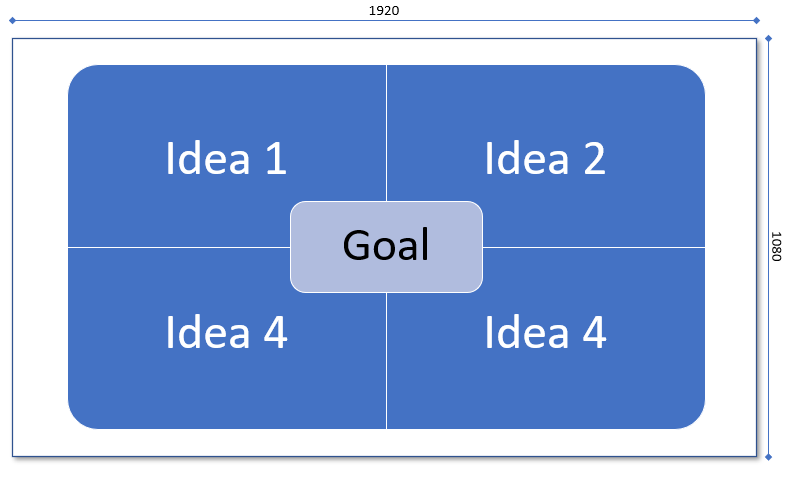
Example graphic created using SmartArt in PowerPoint and saved as 1920x1080 image