![FMN_logo_2024.png]](https://support.forgetmenot.chat/hs-fs/hubfs/FMN_logo_2024.png?height=40&name=FMN_logo_2024.png)
▶️ Go to Insights Reports, then select the dates filter. Choose a start and end date or select a predefined filter option from the list then Apply to save the changes.
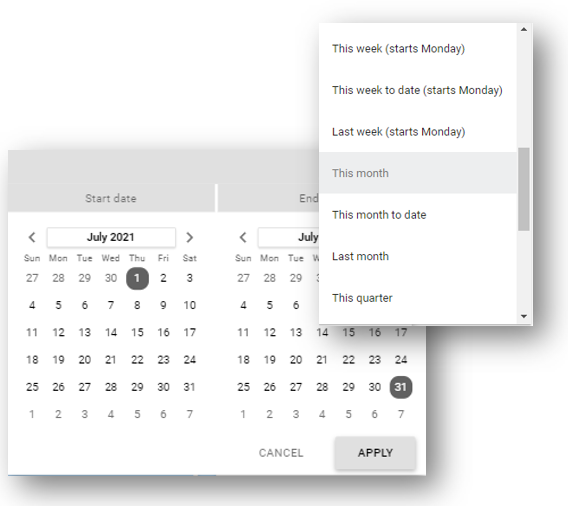
✅ Use the predefined filter options to pick date blocks such as days, weeks, months, quarters, years etc
⚠️ To clear any previously selected date range, select the Auto Date Range option at the bottom of the list