![FMN_logo_2024.png]](https://support.forgetmenot.chat/hs-fs/hubfs/FMN_logo_2024.png?height=40&name=FMN_logo_2024.png)
One of the ways you can login to Forget Me Not® Freestanding is using Face ID & PIN. This allows fast access to login which is perfect for the Freestanding experience.
⚠️ In order to register Face ID you must first login with QR Code
Steps to register with Face ID
- Login to Freestanding with QR Code
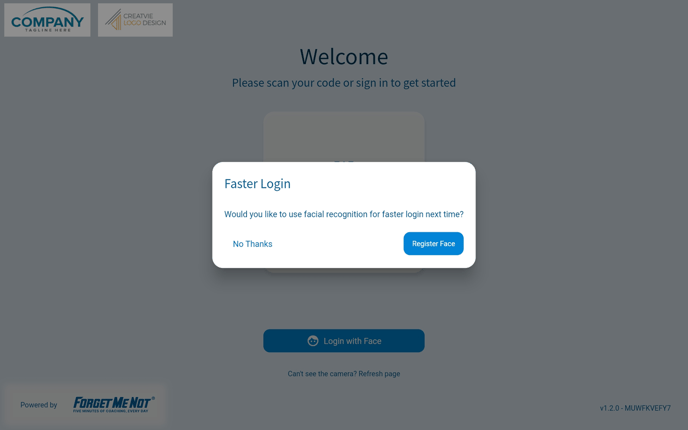
- When prompted for faster login, select to Register Face.
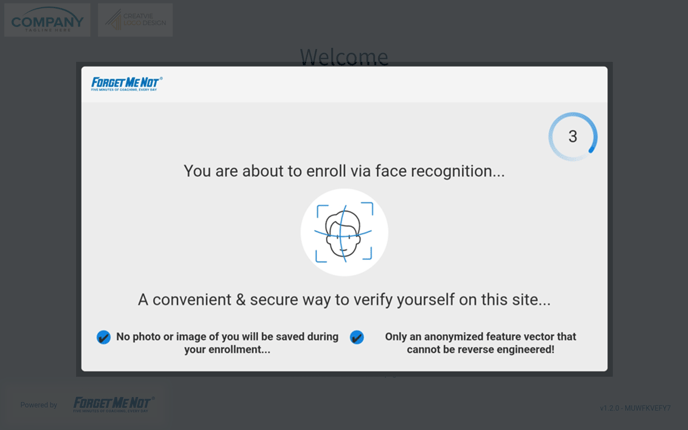
- The scanning info screen appears for a few seconds to advise on the face scanning process. Get ready to be in front of the device camera about 15 - 20 cm away.
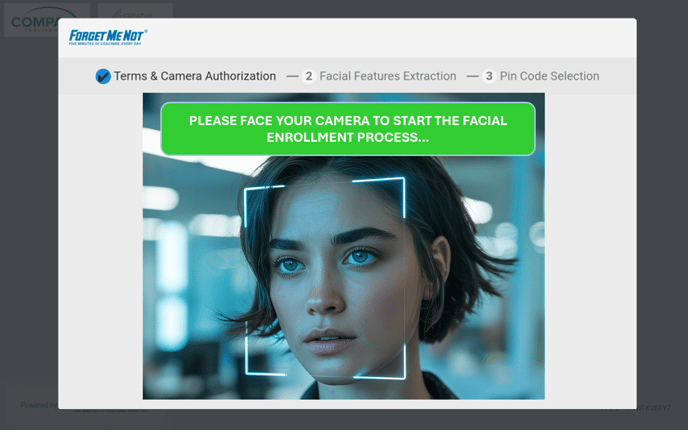
- Let the system scan your face. You might need to move slightly to get a successful scan
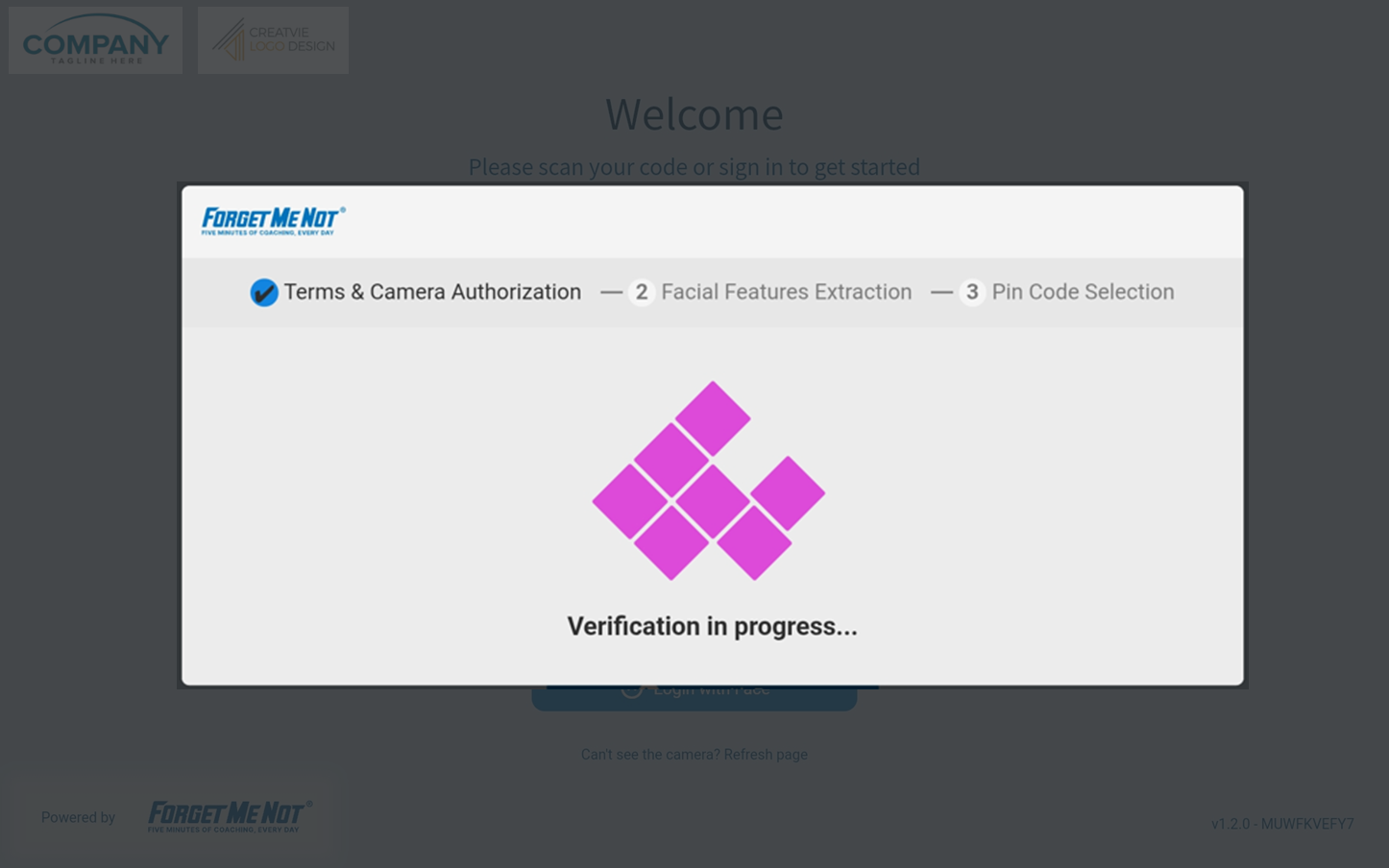
- The system will attempt to verify the scan of your face. It may need to do a number of scans before it is complete.
- If verification is successful you will be asked to added a PIN to lock your account.
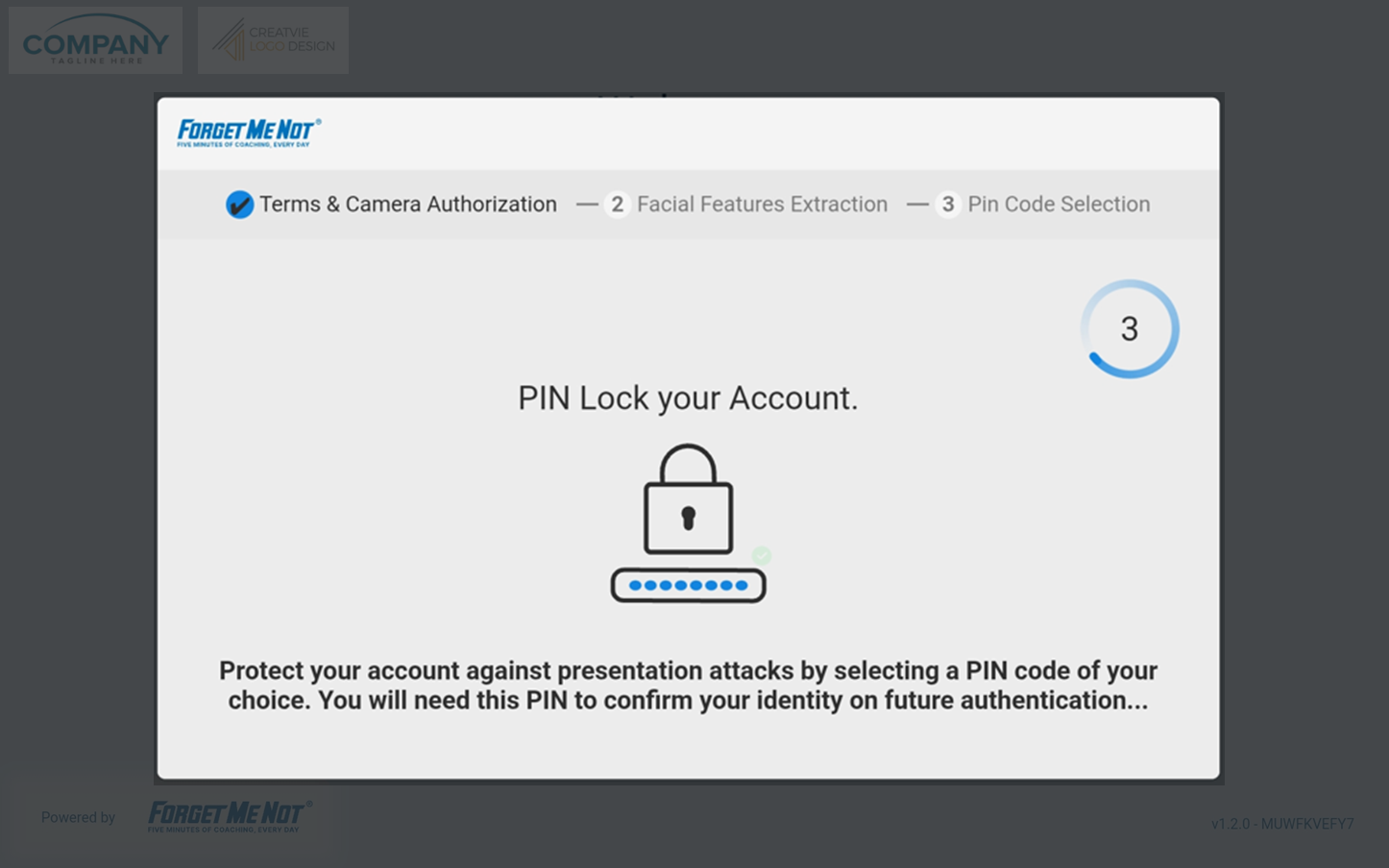
- Enter a minimum of 4 digits for your pin code.
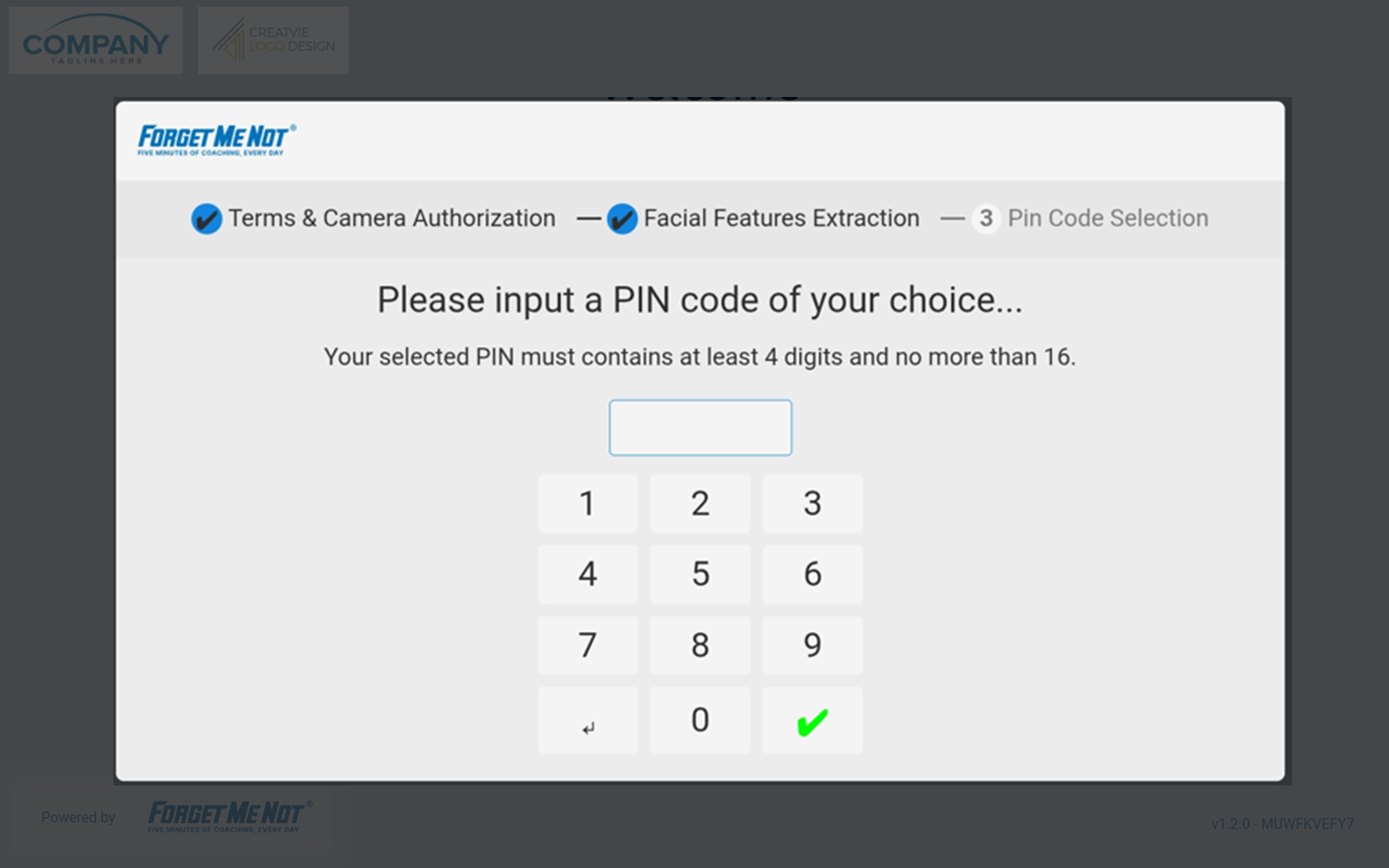
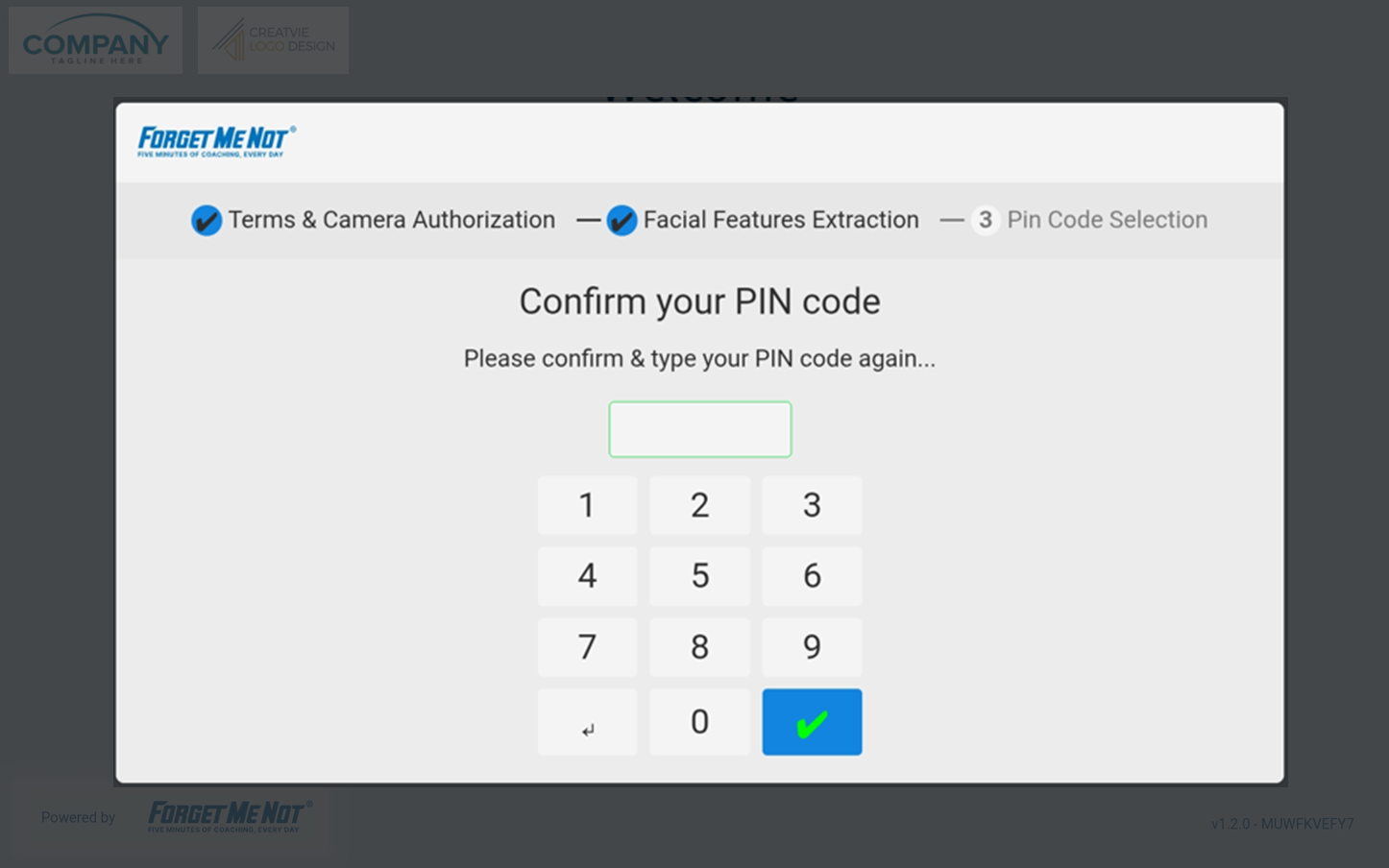
- When prompted confirm your pin code again.
- When the pin codes match, you will be advised the Face ID registration is complete.
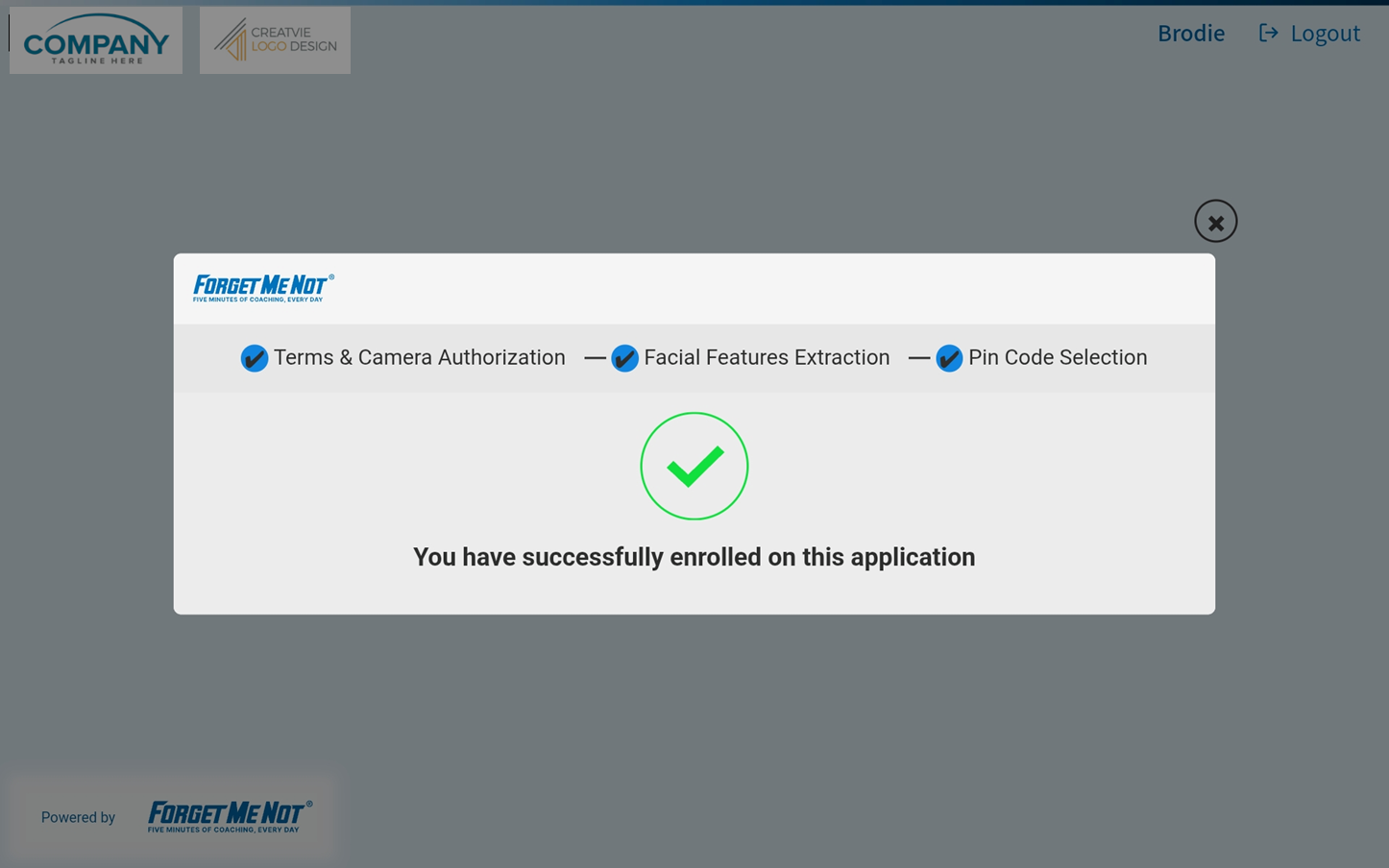
- You can now continue with your daily questions or activities. Next time you want to login to Freestanding, just select Login with Face and follow the prompts.