![FMN_logo_2024.png]](https://support.forgetmenot.chat/hs-fs/hubfs/FMN_logo_2024.png?height=40&name=FMN_logo_2024.png)
Learners can fail to start, fall behind with their questions or just forget to come back to complete the series if they are busy at work or have been on leave. Sometimes you might want to remind the learner to to keep going so they can complete the series by the due date so they can get a certificate.
✅ If an enrolment is close to expiring, you can consider extending the enrolment prior to sending the learner a manual reminder
Sending a Manual Enrolment Reminder
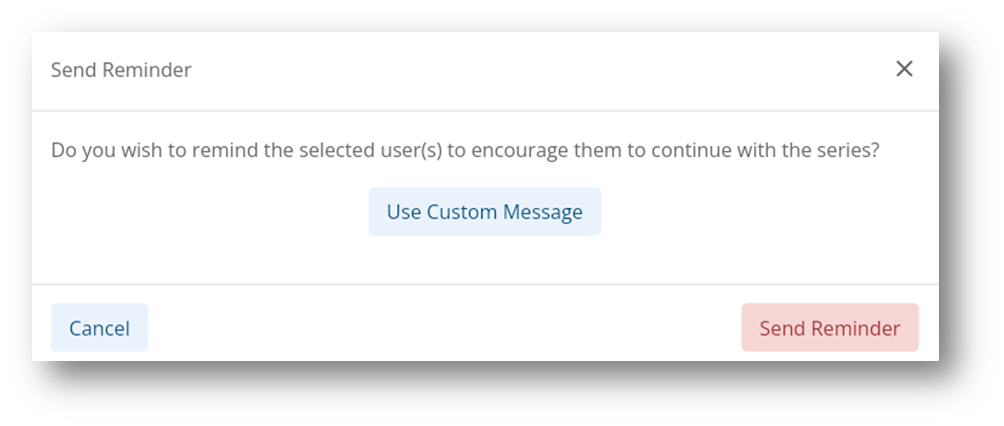
✅ There are 2 options for sending reminders: use the default message or also include an additional custom message.
Steps to remind multiple learners
- Login to the Console and go to Series Library.
- Search or select a specific series with active enrolments.
- Go to Series Enrolments list.
- Search or filter for a specific criteria to find relevant learners based on reasons when to remind learners.
- Select specific learners from the filtered list, or manually select multiple learners from the list.
- Select the Send Reminder option from the bulk actions menu.
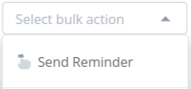
- Select Send Reminder to send the default message, or select Use Custom Message to send specific text.
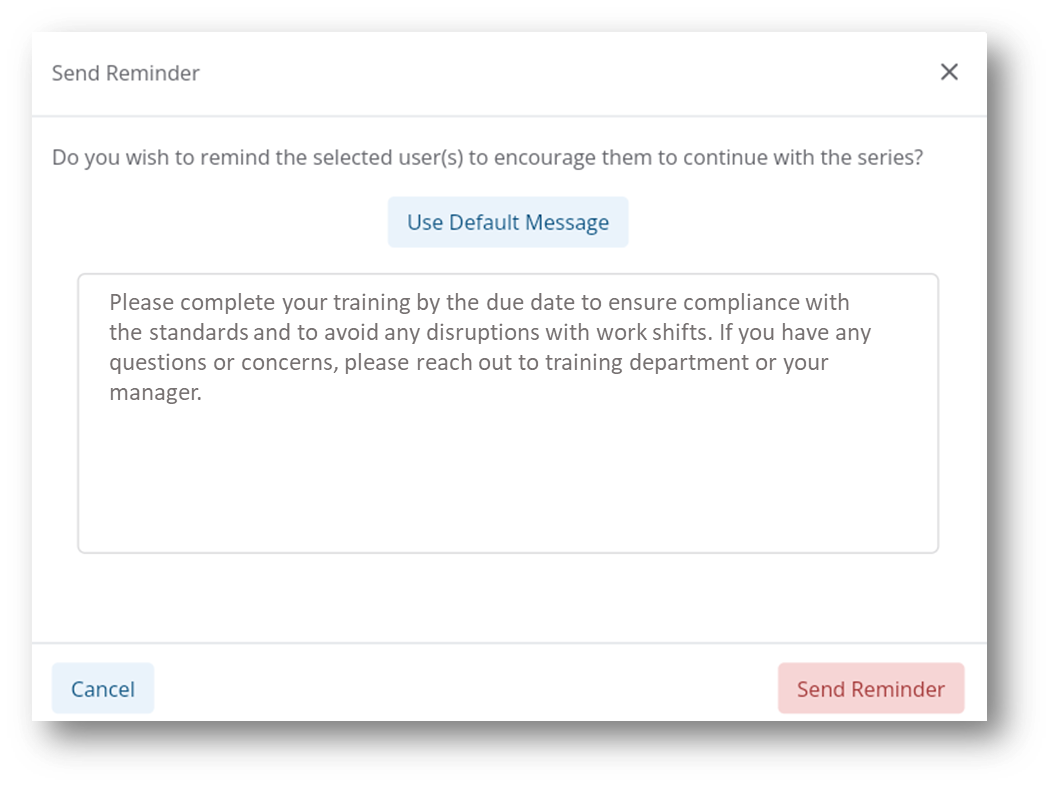
- Enter a custom message that you want to show as being sent from the admin, then select Send Reminder to confirm the action.
- All learners will be sent a manual reminder notification via email.
- The Enrolment Details for each learner will now indicate the date when the last reminder was sent.
Steps to remind a single learner
- Login to the Console and go to the Series Library.
- Search or select a specific series with active enrolments.
- Go to Series Enrolments list.
- Search or filter for a specific criteria to find the relevant learner reasons when to remind learners.
- Select the enrolment in the list to open the Enrolment Details.
- Then select Send Reminder.
- Follow the steps above 7 - 9
- The Enrolment Details will now indicate the date when the last reminder was sent.