![FMN_logo_2024.png]](https://support.forgetmenot.chat/hs-fs/hubfs/FMN_logo_2024.png?height=40&name=FMN_logo_2024.png)
In order for learners to gain access to the Resources in a Resource Collection, learners must be provided access.
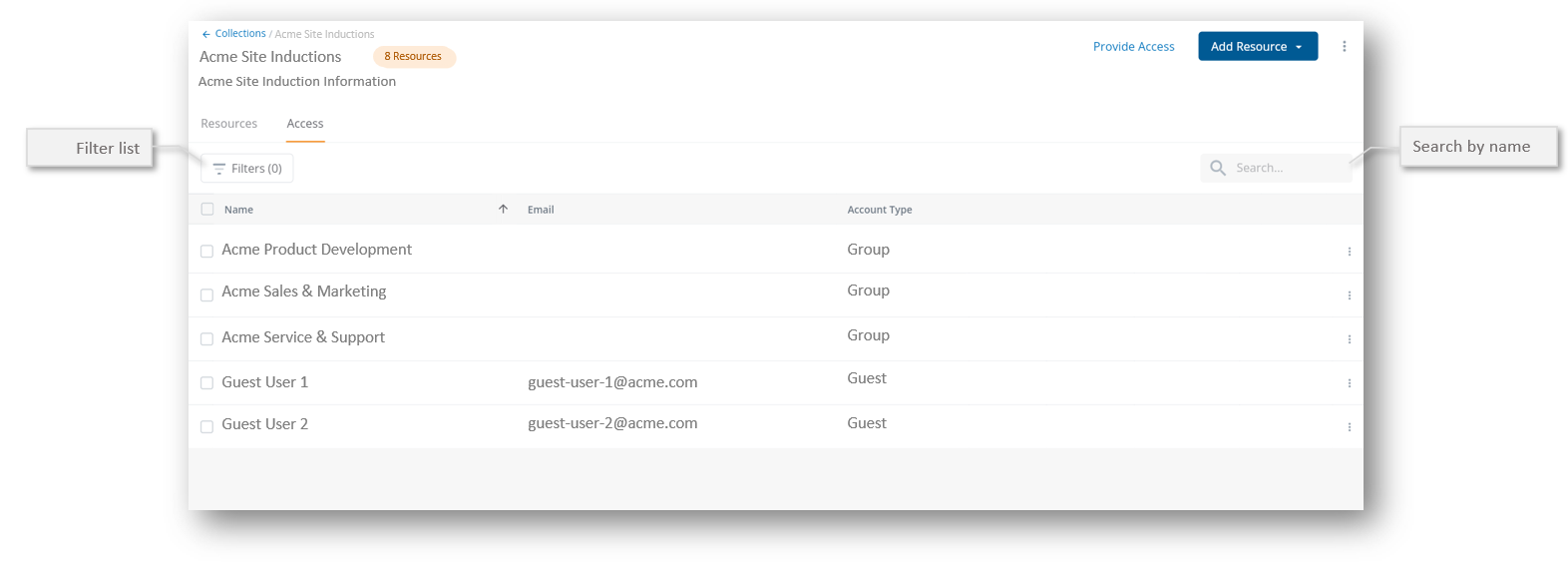
▶️ Go to Resources > Collections and open a Resource Collection then select Provide Access.
Use Search or apply filters to find and select Individual learners or Groups of learners, then select Provide Access.
✅ To provide access to the whole organisation, select Organisation wide access, this will share with all user types except Guest