![FMN_logo_2024.png]](https://support.forgetmenot.chat/hs-fs/hubfs/FMN_logo_2024.png?height=40&name=FMN_logo_2024.png)
Forget Me Not® has the ability to store and display an Employee ID as part of the user account profile. The Employee ID can also be viewed as part of Learner Insights and is part of the data export.
Adding Employee ID
The Employee ID can be added at the time a user account is created, either for a single user or as part of the bulk import function.
✅ The Employee ID will accept Alpha-numeric characters to a maximum of 255.
Viewing Employee ID
- The Employee ID can be viewed as part of the Edit User function from the User List.
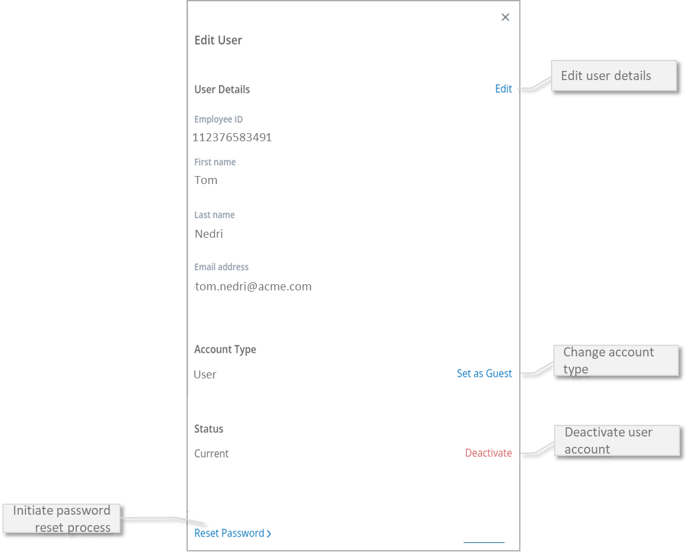
- The Employee ID can also be viewed as part of the Insights Learners view and shown in the data export
Editing Employee ID
The Employee ID cannot be edited once it has been set.
Contact Support if you need to change a users Employee ID that is incorrectly assigned.