![FMN_logo_2024.png]](https://support.forgetmenot.chat/hs-fs/hubfs/FMN_logo_2024.png?height=40&name=FMN_logo_2024.png)
One of the ways you can login to Forget Me Not® Freestanding is to use Face ID and PIN Code. This allows fast access to login without the need to enter any lengthy details which is perfect for the Freestanding experience.
⚠️ In order to login with Face ID you must first register with Face ID
Steps to login with Face ID and PIN Code
- When in front of the Forget Me Not® Freestanding Kiosk ensure you can see the login options screen.
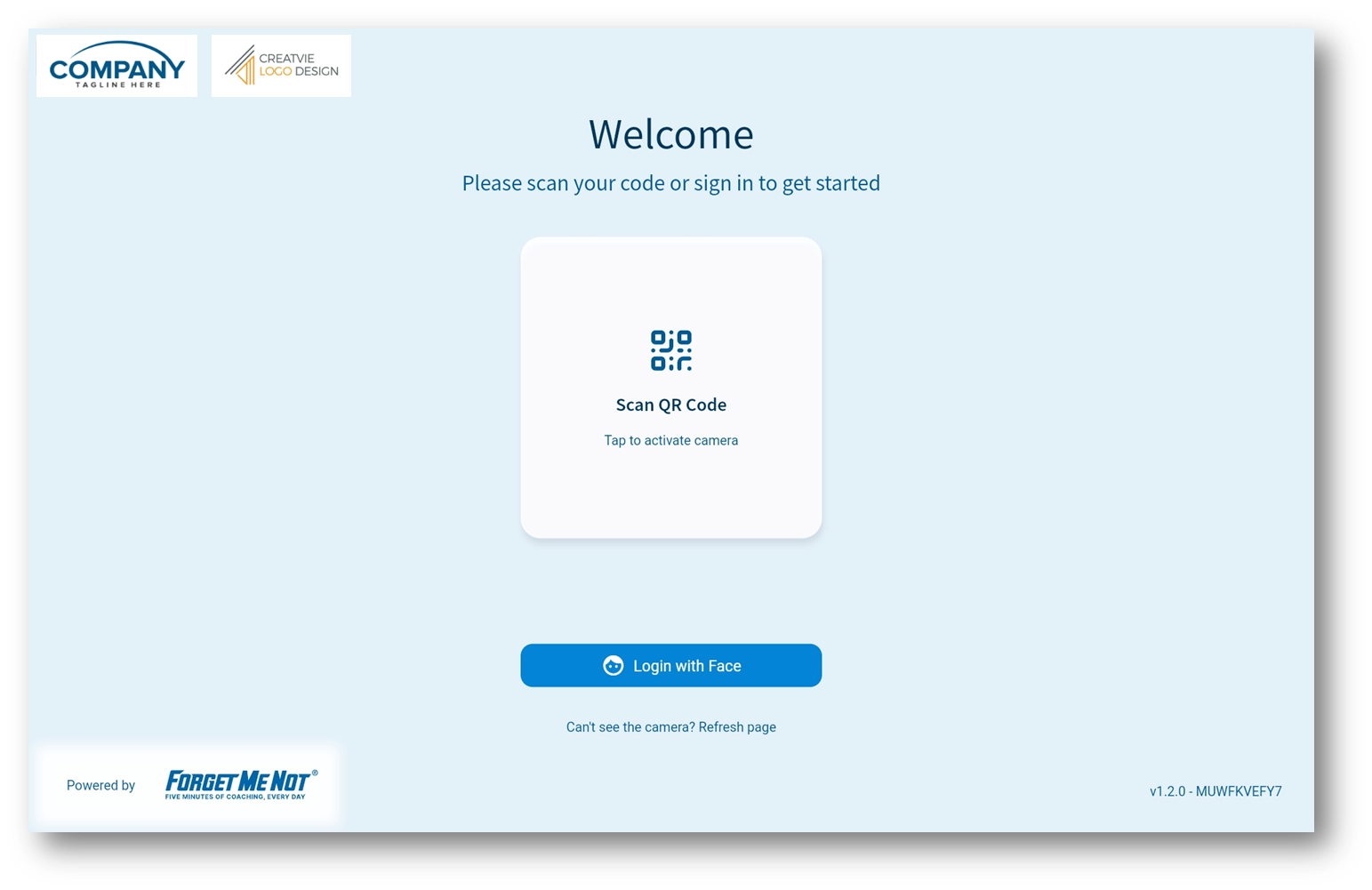
- Select Login with Face and then be in front of the device camera about 15 - 20 cm away.
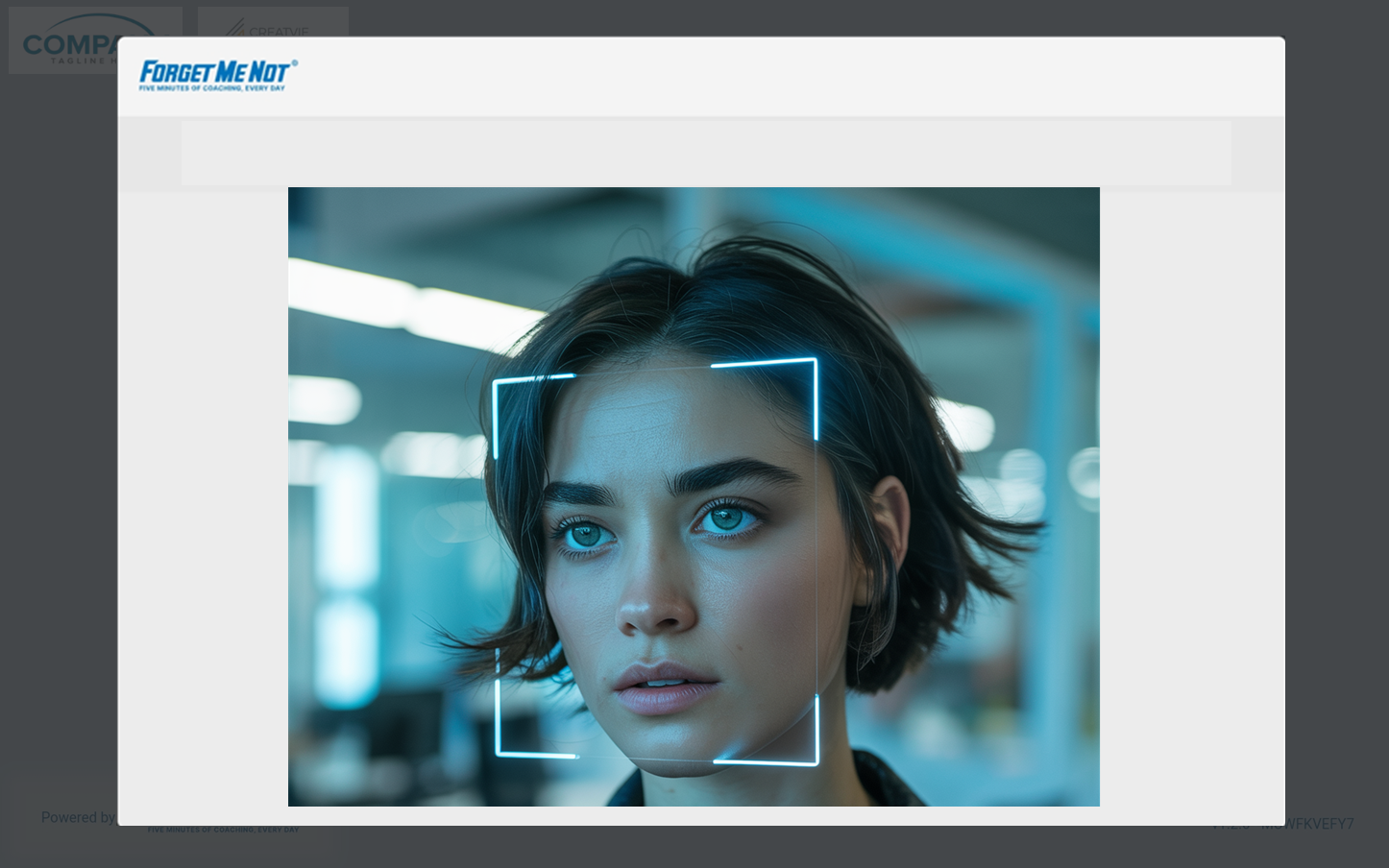
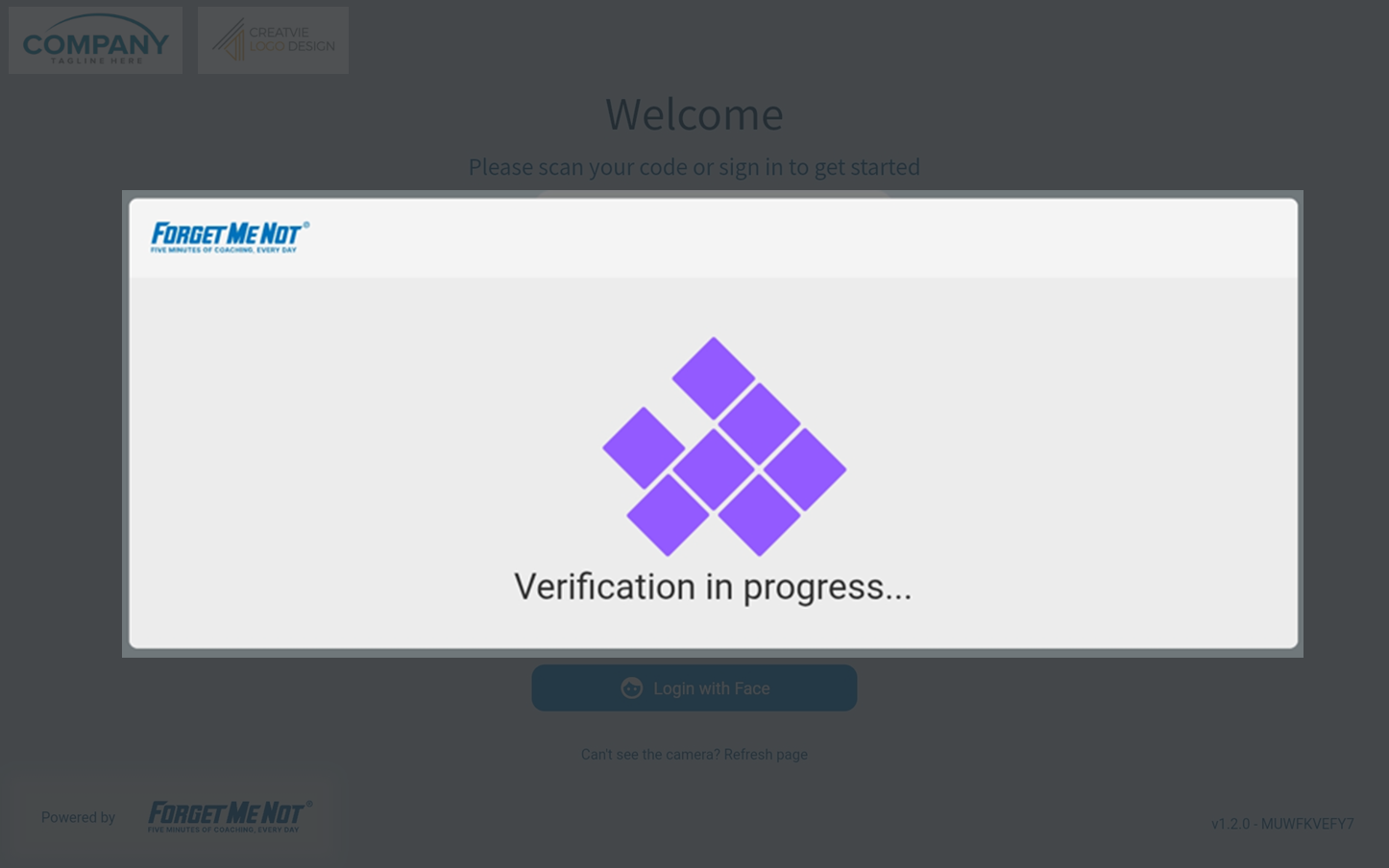
- The system will scan your face to verify your identity.
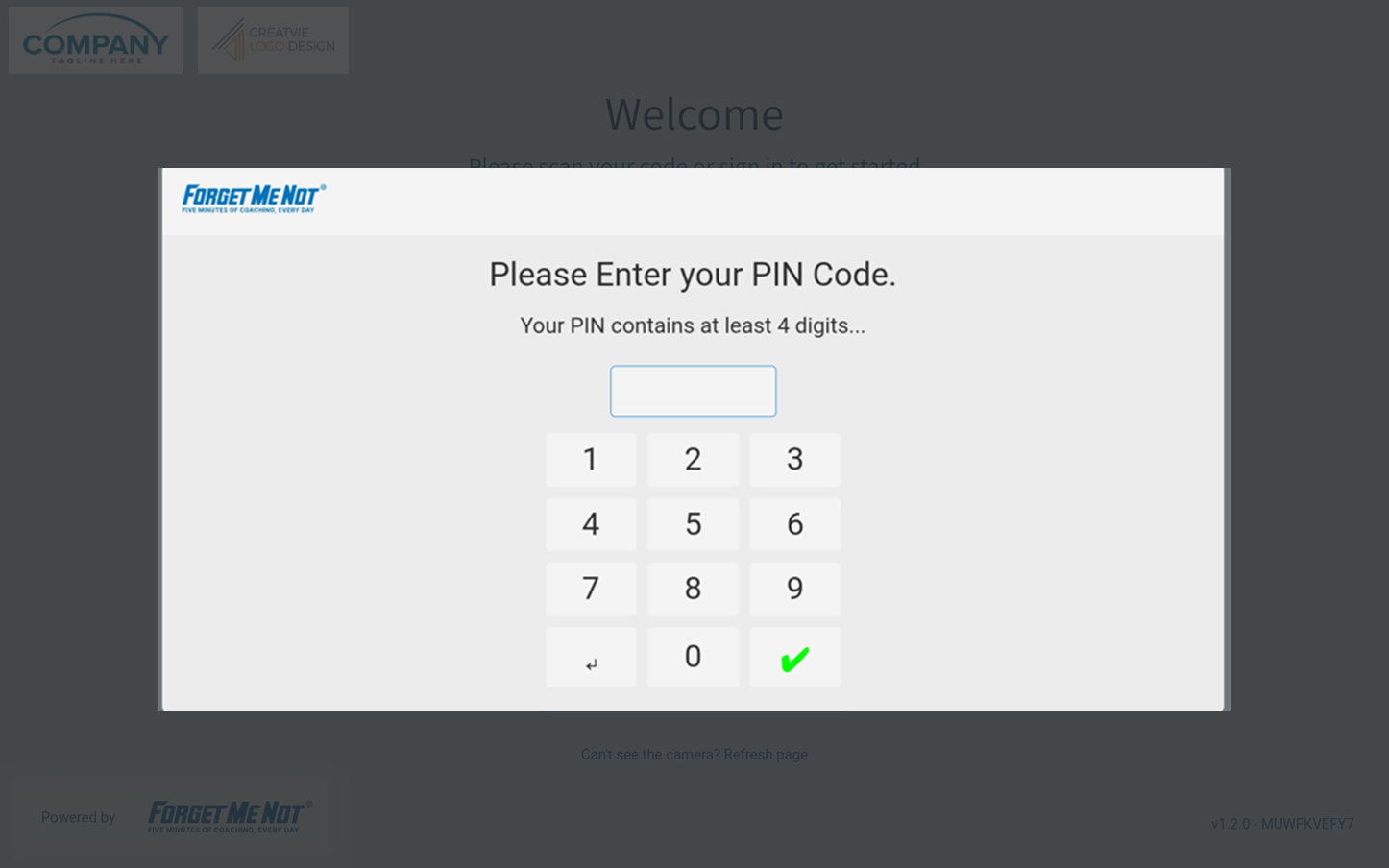
- If Face ID recognition is successful, you will be prompted to enter your PIN code then select the tick to continue.
- The system will indicate authorisation successful and you will be logged in.