![FMN_logo_2024.png]](https://support.forgetmenot.chat/hs-fs/hubfs/FMN_logo_2024.png?height=40&name=FMN_logo_2024.png)
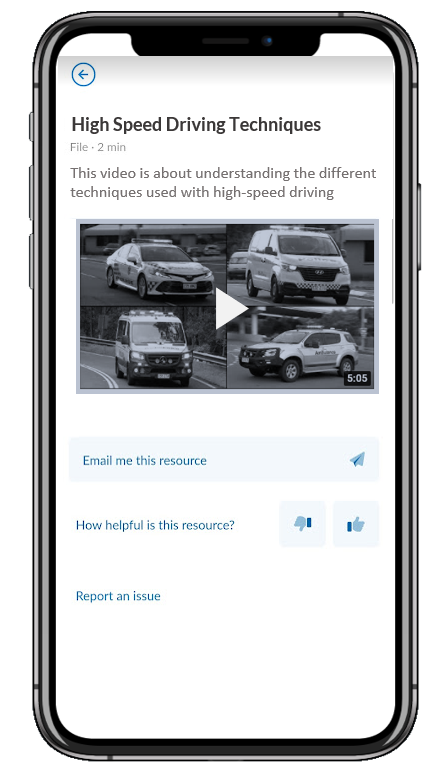
The mobile app has a built-in video player which ensures learners can view videos without the need for a separate app and to ensure they remain inside the Forget Me Not app.
Things to consider when using video files as a Learning Resource:
- The App built-in video player only supports links to YouTube videos.
- The App built-in video player displays a mini video and also allows the video to be played in full screen mode.
- Links to Vimeo or other video platforms will need to be provided as a website resource that links directly to the host site
- File size and format (see this article on Media Formats to learn more)
- Youtube links in the 'watch' format (e.g., https://www.youtube.com/watch?v=SJvDI_c0DcY) should be converted to the short format (e.g., https://youtu.be/SJvDI_c0DcY)
Example of the resources video player