![FMN_logo_2024.png]](https://support.forgetmenot.chat/hs-fs/hubfs/FMN_logo_2024.png?height=40&name=FMN_logo_2024.png)
If searching for users when processing series enrolments and they are do not have an account, it is possible to create a new user directly from the side panel option by using the button presented with the search results.
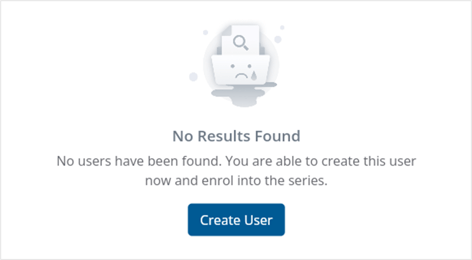
Selecting Create User will open a side panel window where new user details can be entered and an account will be created and the user will automatically be selected for the enrolment.
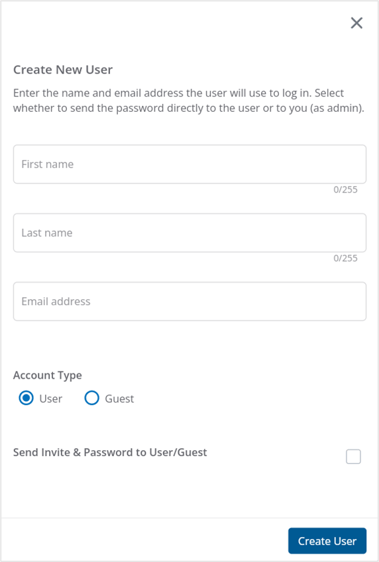
✅ It is recommended to untick the Send Invite & Password to User option so that the user gets all welcome details as part of the created user series enrolment email